
1 Month
Subscription
$23USD
Save 10%
- 30,000+ live channels
- 100,000+ movies & series
- 4K UHD, Full HD & HD
- Fast and stable
- EPG & catch-up where available
- Smart TV, Fire Stick, mobile & PC
- WhatsApp setup assistance
IPTV subscription plans in the USA
IPTV Subscribe plans bring live TV, movies, and series to your Smart TV, Fire Stick, phone, or computer. Choose a 1, 3, 6, or 12-month plan, follow the setup guide, and start watching, with WhatsApp setup assistance included.
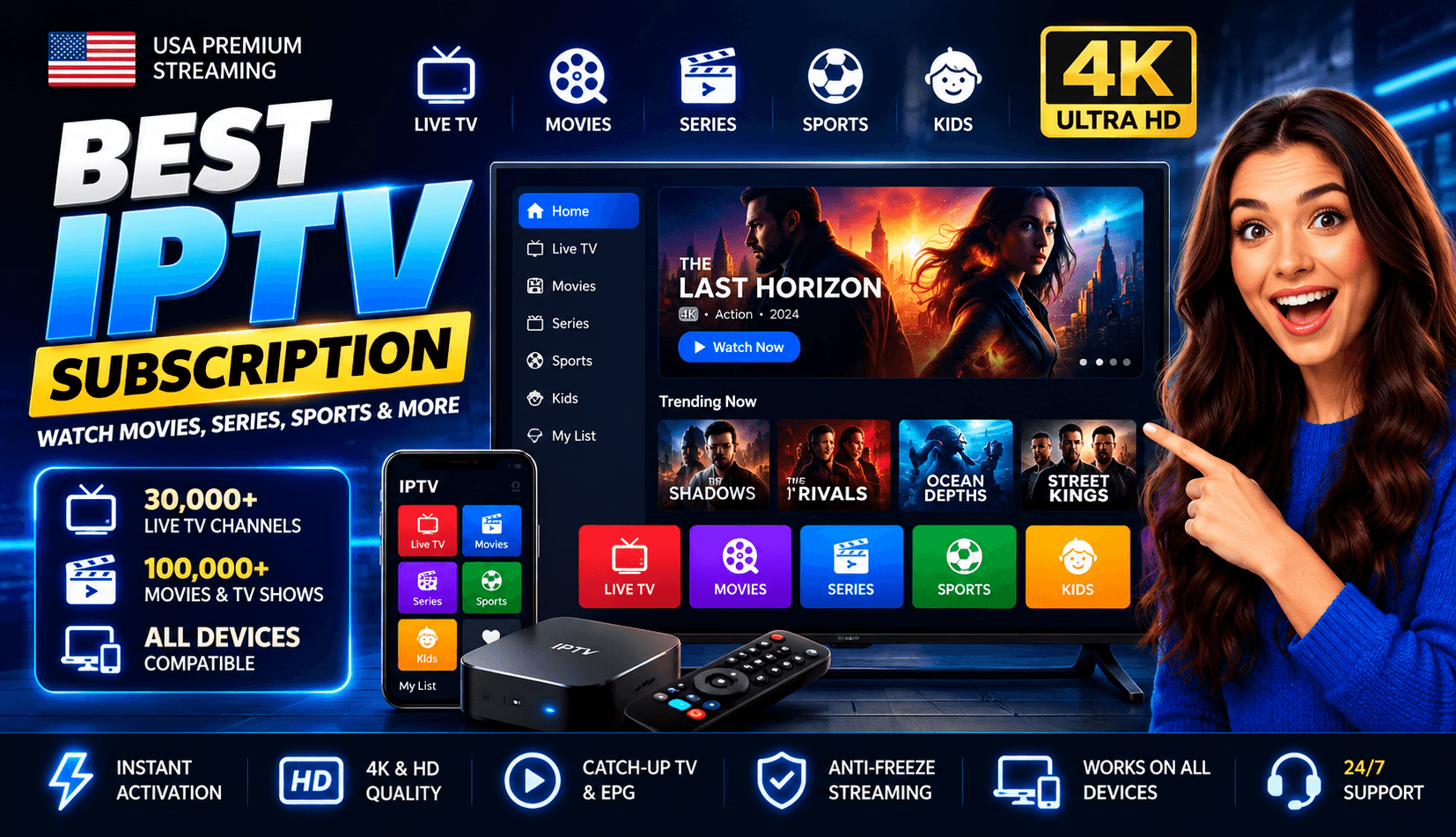
Features
Each IPTV Subscribe plan includes live channels, a movies and series library, and setup help, whichever length you choose. Picture quality depends on the channel and your setup. Read more on the features page.
Live TV channels included with every plan, streamed over your internet connection.
An on-demand library of movies and series alongside live TV.
Several quality options. 4K needs a 4K-capable screen, a channel or title available in 4K, and enough bandwidth.
Built for smooth playback. A strong home connection, ideally wired, helps you get the best results.
An electronic program guide and catch-up TV on channels where they are available.
Watch on Smart TVs, Fire Stick, phones and tablets, and computers.
Get help setting up your device over WhatsApp.
Devices
The IPTV Subscribe service runs through player apps, so most modern TVs and streaming devices can be used. See the full feature overview for setup requirements, or ask about your exact model before you subscribe.
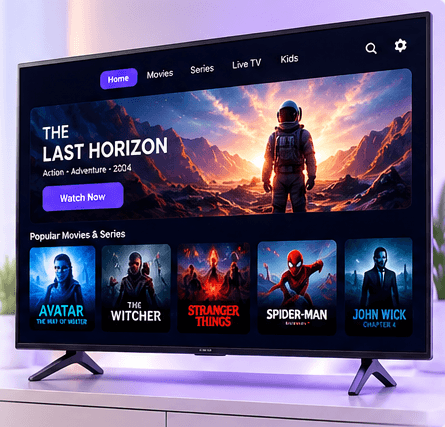
Samsung, LG, and Android TV models with a compatible player app.
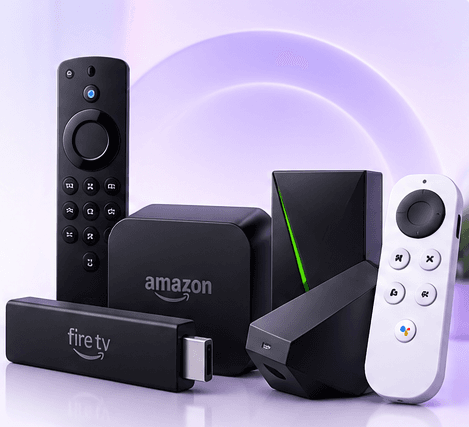
Amazon Fire TV, Android TV boxes, and similar devices.
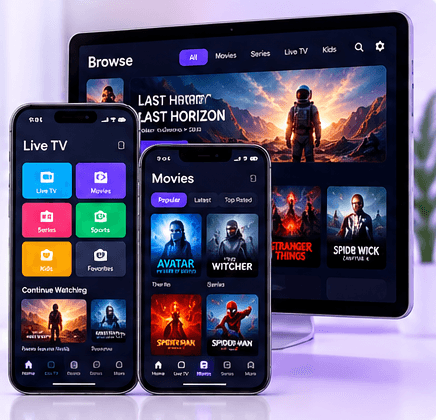
Android and iOS devices through a player app.
Windows and macOS through a desktop player or browser.
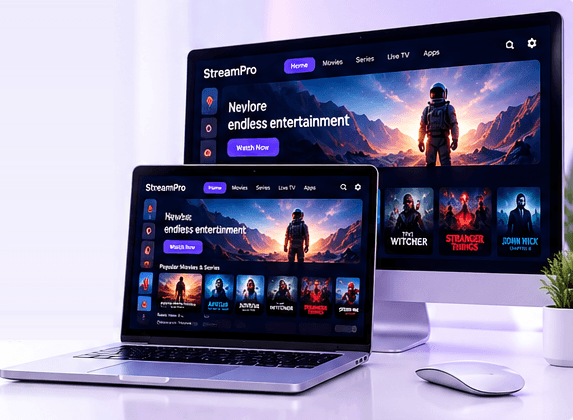
Plans
Every plan includes the same channels, library, and features, so the only choice is length. Plans start at $23 for one month, and the 12-month plan works out to $6.25 per month. Plans do not renew automatically.
Subscription
Save 10%
Subscription
Save 35%
Best Seller
Subscription
Save 50%
Subscription
Save 45%
How it works
Getting started with your IPTV subscription takes three steps, and you can ask us about your device at any point.
Pick the 1, 3, 6, or 12-month plan that suits you. Every plan includes the same features.
After you subscribe, you receive the setup instructions and the account details you need to connect.
Install a compatible player app, enter your details, and start watching. WhatsApp setup assistance is included.
Apps & setup
A few minutes of preparation makes setup smooth. Every plan includes WhatsApp setup assistance if you need a hand.
Make sure your TV, streaming stick, phone, or computer is in one of the supported device categories.
See supported devicesIPTV plays through a player app installed from your device's app store. Ask us which app suits your device as part of setup assistance.
Ask about your deviceA wired Ethernet connection is usually steadier than Wi-Fi, especially for higher-quality streams like 4K.
Connection tips in the FAQYou'll enter the details from your setup instructions into the app to load your channels.
What you need to get startedWhy us
A straightforward service: clear plans, the devices you already own, and help when you set up.
FAQ
Looking for something else? Browse the full IPTV FAQ or send us a question.
We offer 4 plans: 1 Month for $23, 3 Months for $40, 6 Months for $50, and 12 Months for $75 (USD). Every plan includes the same features: 30,000+ live channels, 100,000+ movies & series, 4K UHD, Full HD & HD, EPG and catch-up where available, and WhatsApp setup assistance.
Most IPTV services run through player apps available on smart TVs, Amazon Fire TV, Android TV boxes, Android and iOS phones and tablets, and Windows or macOS computers. Contact us with your device model before subscribing if you are unsure.
Plans include 4K UHD, Full HD & HD. Watching in 4K requires a 4K-capable screen or device, a channel or title that is available in 4K, and a fast, stable internet connection.
Yes. Every plan includes WhatsApp setup assistance. If you have a question before you subscribe, contact us with your device model and we will point you in the right direction.
Yes, where available. The electronic program guide (EPG) and catch-up TV are offered on channels that support them, so availability varies by channel.
Message us on WhatsApp at +44 7723 781927. Include your device model and the plan you are interested in so we can help faster. Every plan also includes WhatsApp setup assistance.
Blog
Getting started ·
Learn what an IPTV service is, how it delivers live TV over your internet connection, what equipment you need, and how it compares with cable and satellite.
Read ArticleBuying guides ·
There is no single best IPTV service for everyone. Use this checklist to compare providers on devices, picture quality, support, plan terms, and price.
Read ArticleDevices ·
A practical guide to IPTV devices: smart TVs, streaming sticks and boxes, phones, tablets, and computers, plus what to check before you buy anything new.
Read ArticleSee every plan side by side, or ask us about your device first.